Rapid Production of Graphical User Interfaces (1990)
Defense Technical Information Center · leaf 83
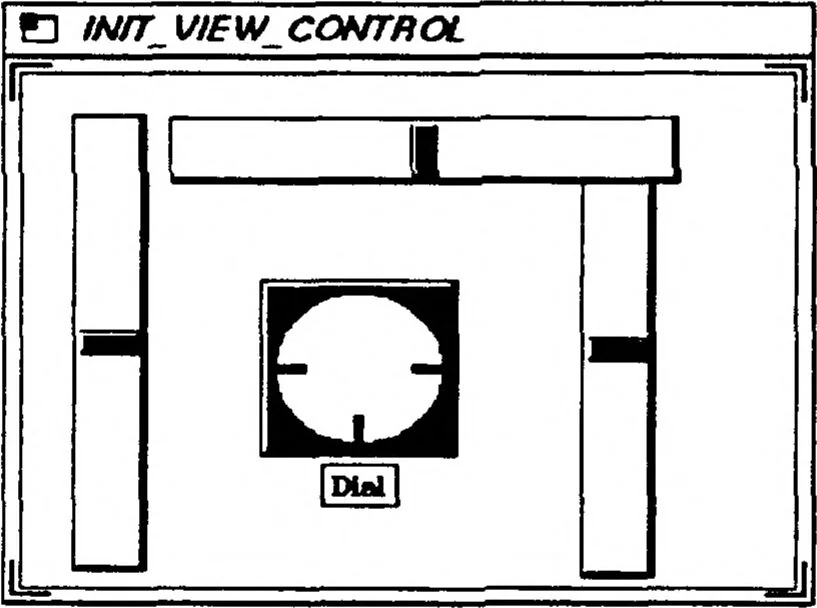
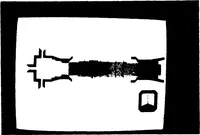
e moved the mouse to the location of the second slider and pressed and released the middle-mouse button again to place a second copy). To move an actuator on a workspace, we place the mouse over it, press and hold the middle-mouse button, and drag it to its new position. We now do this to the copy… … Figure 8.2 Initial Viewing_Control panel Now that we have placed all of the actuators, we need to edit them. We set the left-most slider as the current workspace actuator and press the F9 key. This opens the Actuator Editor dialogue window. Using this tool, we will give the actuator a label, set…
King, David M · Naval postgraduate school monterey ca · Computer programs · Simulation · Sources · Automation · Environments · Decision making · Production · Degradation · Low costs · Real time · Interfaces · Human factors engineering · Display systems · Coding · Three dimensional · Silicon · Command and control systems · Graphics · User needs · Work stations · Automatic · Simulators
Internet Archive · Defense Technical Information Center · Public domain (US government work). Free to use for anything.