versatec :: 5990-01 C2700 Series Thermal Transfer Color Plotter Operator Guide Oct1986 (1919)
leaf 31
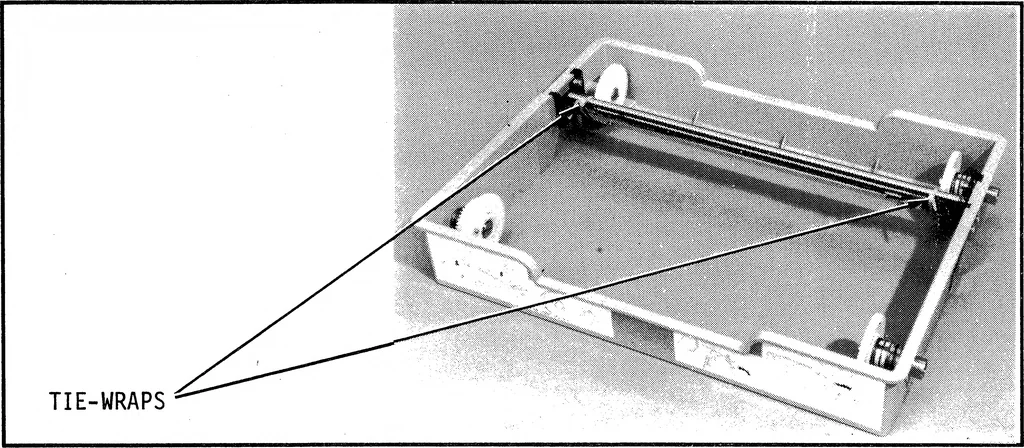
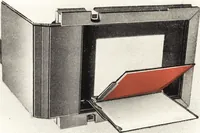
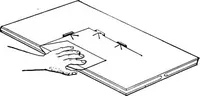
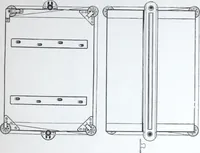
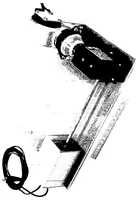
g Ij 00 : Hi ^^ TIE-WRAPS ^^^^ \N | J 0Wgii .\^^^i. Jill ^^^B^^W^ki *H Figure 2-2, Unlocking the Printhead c 9.9 INSTALLATION 7. Cut and remove the two tie-wraps securing the ink donor rolltray guide, as shown in Figure 2-1. 8. Open the second box and unpack the accessories (power cable,manual,… … Figure 2-3. Unpacking the Ink Donor Roll Tray 10. Locate the media cassette. Remove the foam cushion andprotective foam sheet from the top of the media cassette asshown in Figure 2-4. FOAM CUSHION FOAM SHEET
Plotter · Donor · Media · Roll · Ink · Versatec · Plot · Thermal · Guide · Color · Media cassette · Thermal transfer · Donor roll · Plotter operator · Ink donor · Operator guide · Roll tray · Thermal plotter · Series thermal · Thermal printhead
Internet Archive · Public Domain Mark 1.0. Free to use for anything.