tektronix :: 411x :: 070-5199-01 4100F19 4690 Series Color Graphics Copier Interface Instructions Feb1985 (1919)
leaf 13
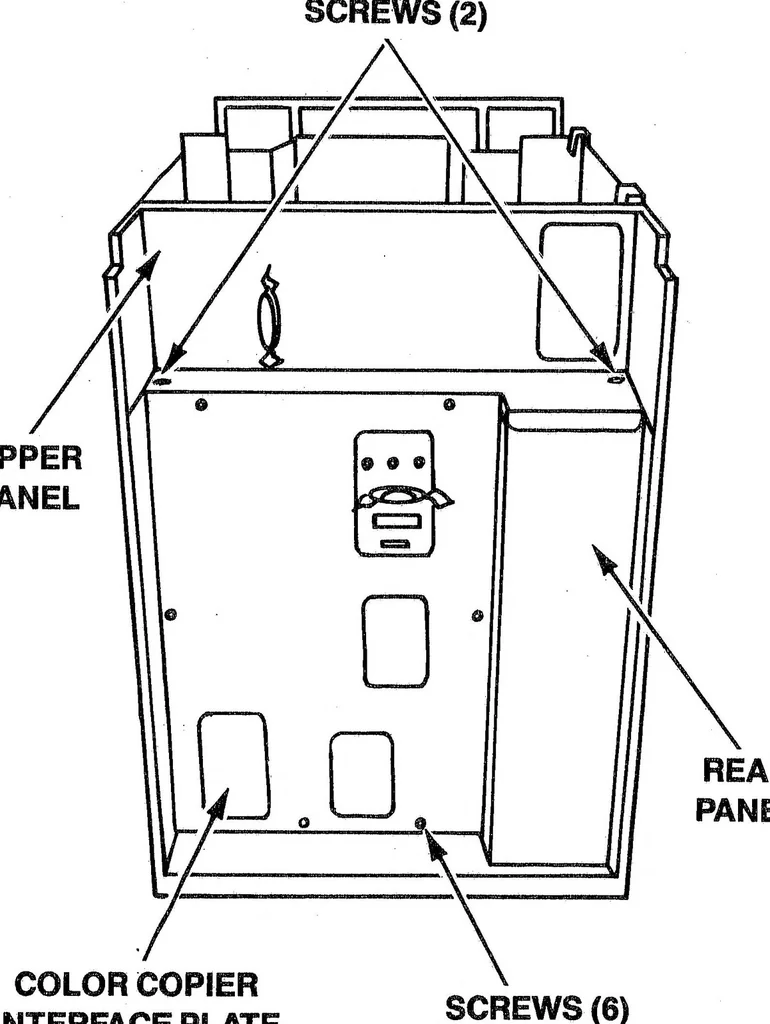
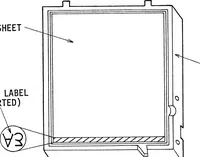
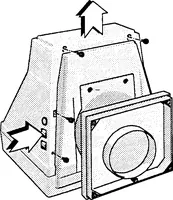
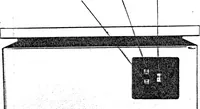
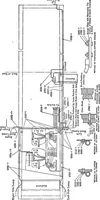
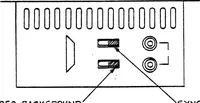
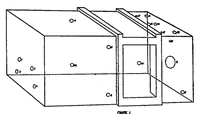
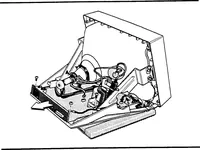
c 9. Install the interface connector plate in the rear panel Remove the six screws holding the rear panel and the opening created in Step 8. two screws holding the upper panel. Lift the upper panel approximately V2" and pull the rear panel up and toward you to remove. Remove the left option cover… … SCREWS (6) INTERFACE PLATE 5199-4 Figure 15. Rear Panel. Figure 16. Cable Port. C 14 4100F19 INSTRUCTIONS
Installed · Color · Copier · Interface · Rear · Instructions · Power · Remove · Cable · Screws · Copier interface · Color copier · Power supply · Interface board · Rear panel · Top cover · Hard copy · Power cord · Option cover · Interface cable
Internet Archive · Public domain (published before 1931). Free to use for anything.