versatec :: 5990-01 C2700 Series Thermal Transfer Color Plotter Operator Guide Oct1986 (1919)
leaf 30
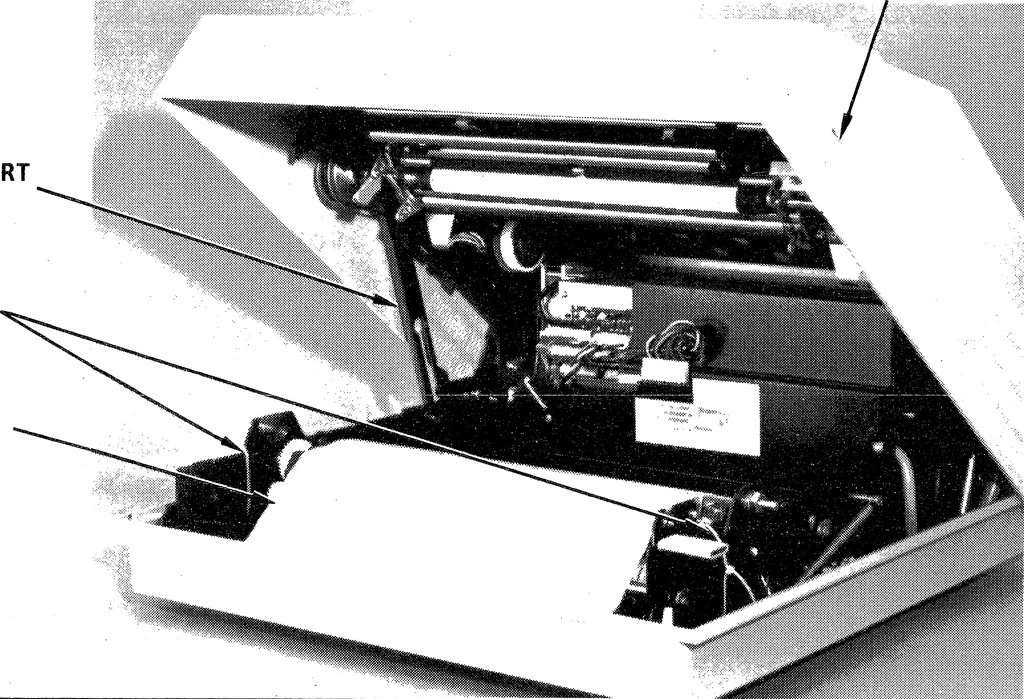
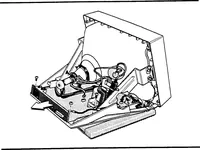
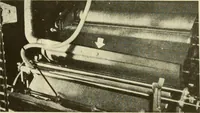
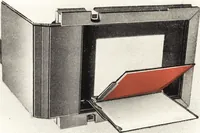
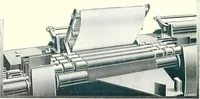
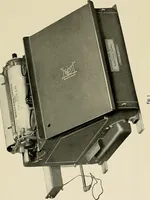
input voltage setting. 4. Pull the cover latch on the right side of the plotter chassis up andlift the top cover to access the interior of the plotter. Ensure thecover support is locked in place (Figure 2-1). 5. Carefully remove the protective foam sheet from the thermalprinthead (Figure 2-1). 6.… … Figure 2-1. C2700 Series Thermal Plotter (cover open) THERMAL 1PRINTHEAD gg Ij 00 : Hi ^^ TIE-WRAPS ^^^^ \N | J 0Wgii .\^^^i. Jill ^^^B^^W^ki *H Figure 2-2, Unlocking the Printhead c 9.9 INSTALLATION 7. Cut and remove the two tie-wraps securing the ink donor rolltray guide, as shown in Figure 2-1.…
Plotter · Donor · Media · Roll · Ink · Versatec · Plot · Thermal · Guide · Color · Media cassette · Thermal transfer · Donor roll · Plotter operator · Ink donor · Operator guide · Roll tray · Thermal plotter · Series thermal · Thermal printhead
Internet Archive · Public Domain Mark 1.0. Free to use for anything.