versatec :: 5990-01 C2700 Series Thermal Transfer Color Plotter Operator Guide Oct1986 (1919)
leaf 31
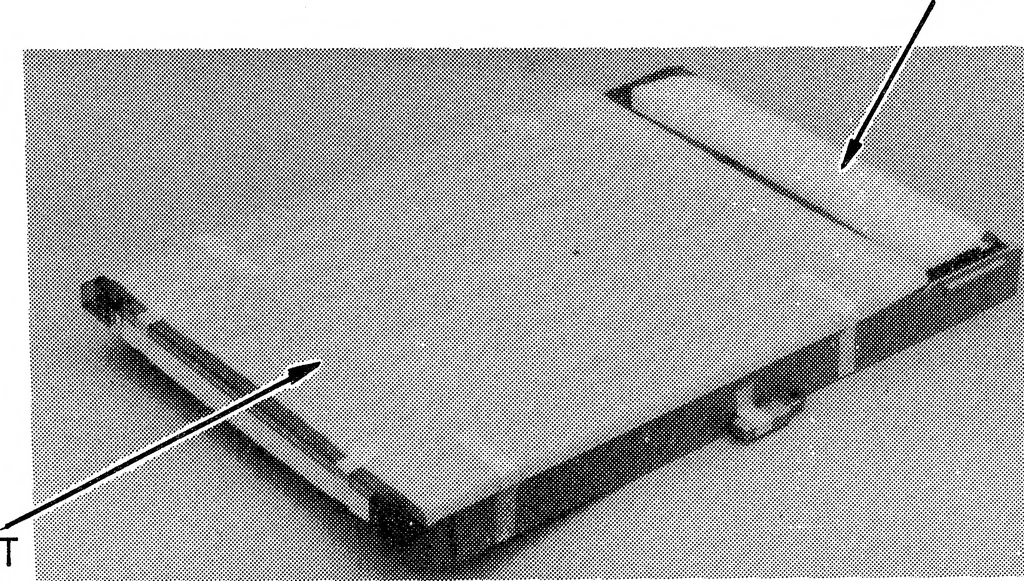
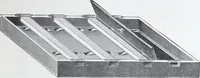
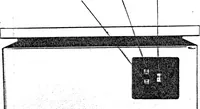
Figure 2-3. Unpacking the Ink Donor Roll Tray 10. Locate the media cassette. Remove the foam cushion andprotective foam sheet from the top of the media cassette asshown in Figure 2-4. FOAM CUSHION FOAM SHEET … Figure 2-4. Unpacking the Media Cassette C2700 SERIES THERMAL PLOTTER OPERATOR GUIDE 2-3 INSTALLATION 11. Close the plotter cover securely. 12. Slide out the foam cushion from beneath the media sensor lever,located inside the media cassette slot at the top of the plotter asshown in Figure 2-5.…
Plotter · Donor · Media · Roll · Ink · Versatec · Plot · Thermal · Guide · Color · Media cassette · Thermal transfer · Donor roll · Plotter operator · Ink donor · Operator guide · Roll tray · Thermal plotter · Series thermal · Thermal printhead
Internet Archive · Public Domain Mark 1.0. Free to use for anything.